

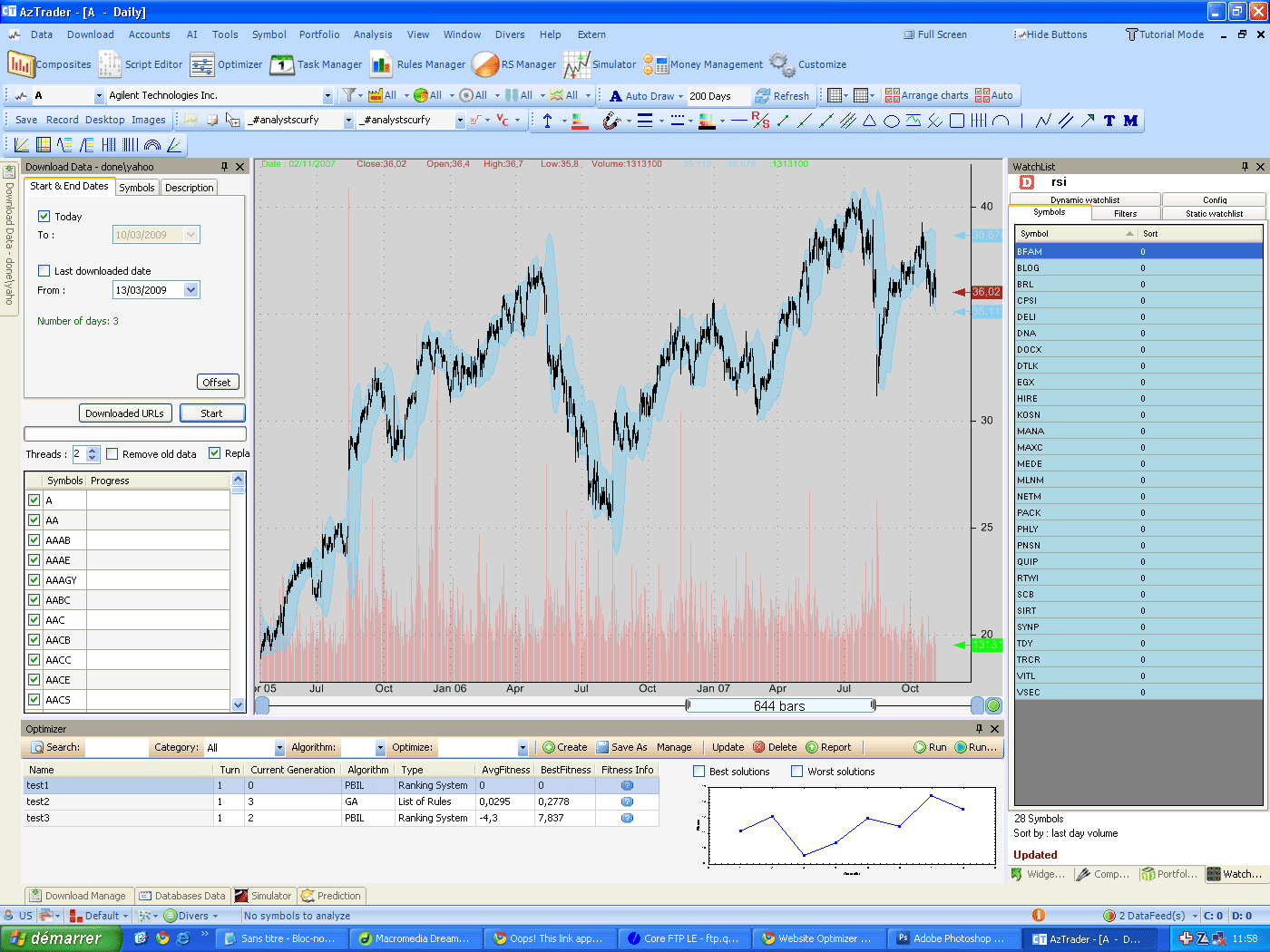
Optimization of trading rules One of the available optimization methods in QuantShare is the list of rules optimizer. You feed the optimizer with a collection of trading rules, and in return the optimizer uses some advanced algorithms to find the combination of trading rules that gives the higher fitness value. This fitness value is entirely customizable, which means that it could be the standard 'percent performance after x number of bars' or any other simple or advanced output. You can set the fitness formula using the .Net script; the purpose is to guide the application selecting the best combinations or chromosomes. A simple example is to search for chromosomes that have the best output and a number of signals or positions that is greater than a threshold value. How to? To create an optimization process for a list of trading rules, open the optimizer (AI -> Optimizer). In the newly created form click on create. Select 'List of rules', then choose which algorithm you want to use. There is no algorithm better than the other. Each algorithm could produce better results; it depends on the problem and on some other factors. Now click on 'next'. You can leave the algorithm parameters as they are, or you can update them and choose the settings that you think can produce the best results. Again, there are no perfect settings, it depends on the problem, and with some experience you will be able to recognize how to update these settings so the optimizer can produce better results. 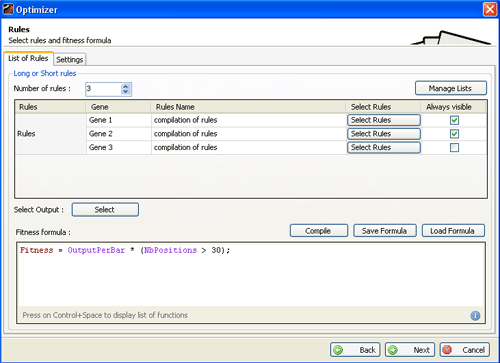 Example: if the results of the genetic algorithm optimization of the trading rules converge quickly, then you should probably decrease the 'Mutation rate', increase the 'Random selection portion' and the 'Population size'... Click on 'next' then choose a value for the ‘number of rules’ field. This number will settle how many conditions will be used to create the rule that will be analyzed. For each row, click on 'select rules' and choose a list of rules. The 'Always visible' check box tells the application whether the Gene x will always be visible or not. Example: You select: list of trading rules 1 in Gene 1. List of rules 1 contains theses rules: rsi(14) > 40 and rsi(14) > 60 and rsi(7) > 70 You select: list of trading rules 2 in Gene 2. List of rules 2 contains theses rules: close > open and close > ref(close, 1) and close > sma(close, x) where x varies from 10 to 100 with 10 as step. You select: list of trading rules 3 in Gene 3. List of rules 3 contains theses rules: sma(volume, 20) > 2 * sma(volume, a) where varies from 40 to 200 with a step of 20 If you uncheck the 'Always visible' of the third row then the results could look like this: Generation 1 - Chromosome 1: rsi(14) > 60 && close > open && sma(volume, 20) > 2 * sma(volume, 40) Generation 1 - Chromosome 2: rsi(7) > 70 && close > open Generation 1 - Chromosome 3: rsi(14) > 60 && close > ref(close, 1) && sma(volume, 20) > 2 * sma(volume, 60) As you see, in the second chromosome the application didn't get a rule from the third list of rules because the likelihood that the optimizer chooses a rule from the third list varies from a generation to the other. (The goal is to produce the chromosomes with the best fitness). Two important fields should be set now: - The output: This is the formula the optimization process will use to calculate the output value of each trading rule. - The fitness formula: For the fitness example we mentioned earlier, the formula is: Fitness = OutputPerBar * (NbPositions > 30); Finally click again on 'next' and select the symbols to include. All you have to do now is select the optimize item you just created and click on 'run' so the optimization process can starts. 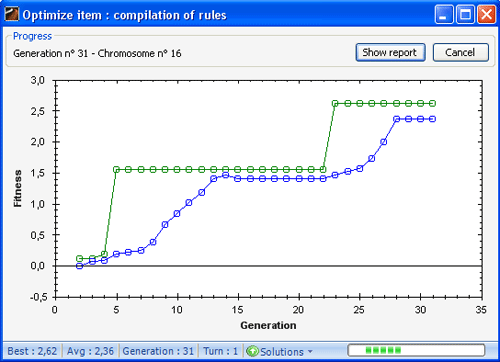 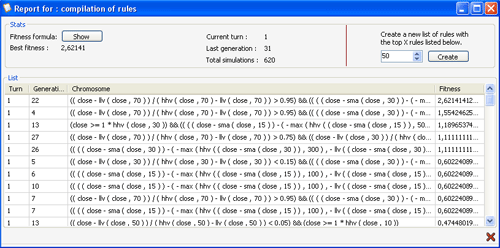
|

|
|
|
|