
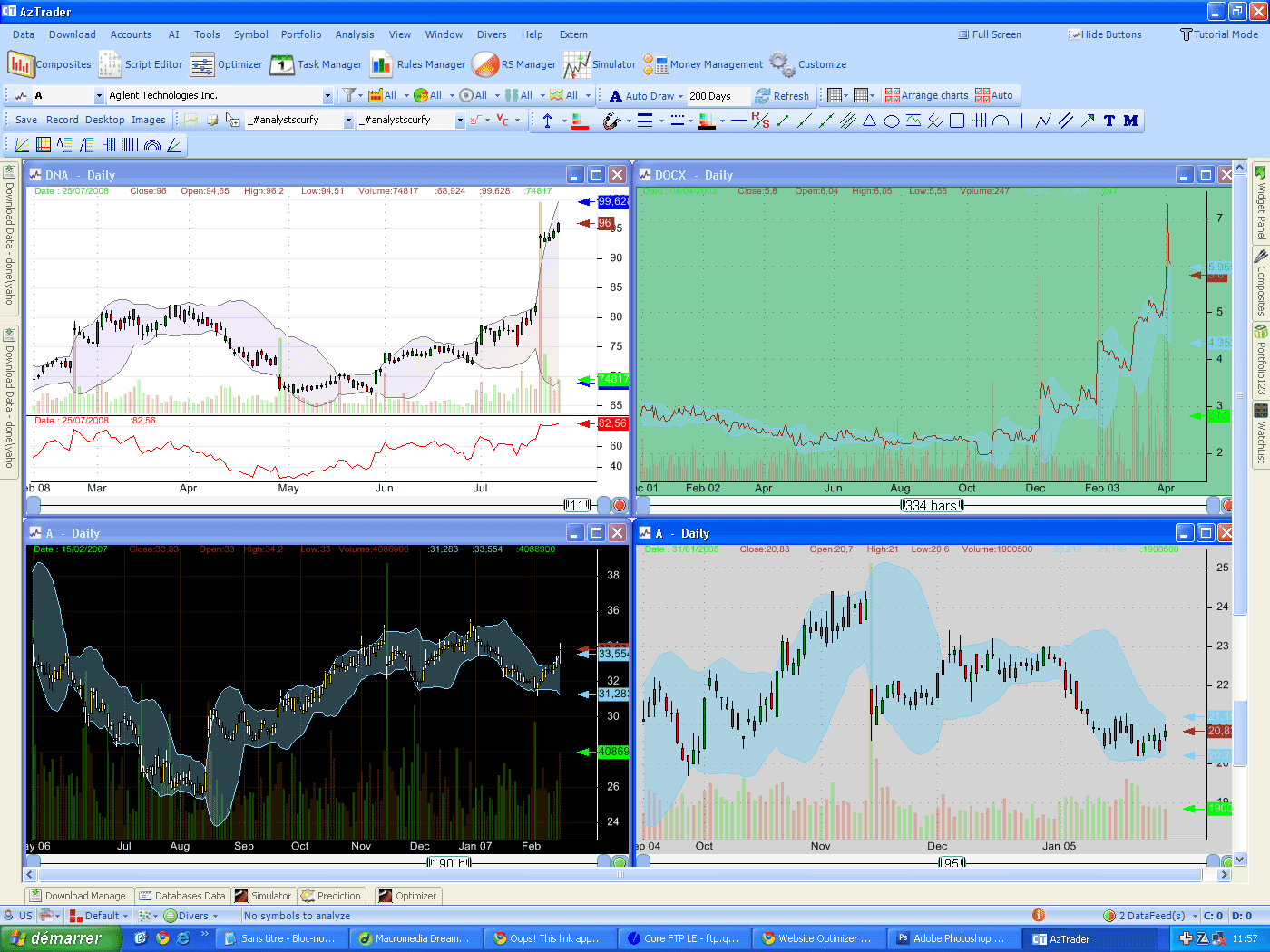
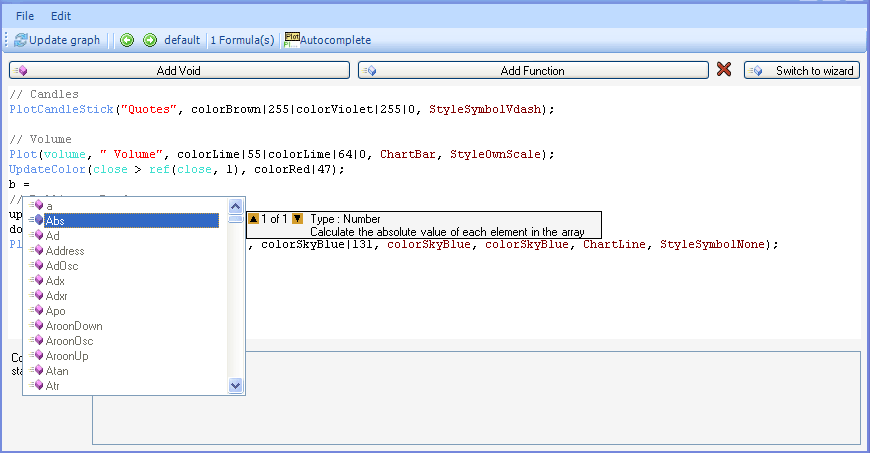
In this tutorial we are going to explain how to create advanced rules and how to back-test them. Imagine you want to detect the following pattern: - A stock rise more than 40% in a period of 30-90 days - then drop between 10% and 20% in a period of 5-15 days - then rise again above the close price where the last condition occurred, in a period that doesn't exceed 20 days You can see from the pattern above, how difficult it would be to implement it using standard trading software formulas, but it is very easy to detect any pattern using the advanced rules of QuantShare, you just need to learn how the formula works and what are the different available functions. NB: use CTRL+SPACE to display the list of available functions, the functions that start with '_' can be used only in SEARCHFOR and OUTPUT syntax. This is the formula for the above pattern: var1 = SEARCHFOR _perf(close) > 40 after 30 within 60 THEN (_perf(close) < -10 && _perf(close) > -20) after 5 within 10 THEN close > _ref(close) within 20; Plot(var1 , "Pattern", colorLime|55|colorLime|64|0, ChartBar, StyleOwnScale); _perf: means performance (in percentage). This is a picture of the signal generated by this pattern. 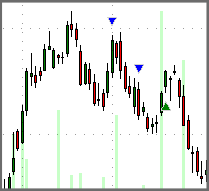 The first triangle point out the first condition (stock rise more than 40%...). The second triangle point out the second condition. The third (green) triangle point out the bar at which the pattern has occurred (third condition). As you can see in the picture above, when the first condition occurs the stock was not making a new high. We can change that by adding a new rule in the first condition. The new formula will be: var1 = SEARCHFOR (_perf(close) > 40 && close >= hhv(close, 50)) after 30 within 60 THEN (_perf(close) < -10 && _perf(close) > -20) after 5 within 10 THEN close > _ref(close) within 20; Plot(var1 , "Pattern", colorLime|55|colorLime|64|0, ChartBar, StyleOwnScale); We added a condition: close >= hhv(close, 50), that tells the software that we want the first condition to occur when the stock is making a new high. 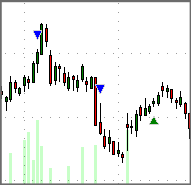 Now open the 'Rules Manager' (Analysis->Rules Manager), create a new list of rules, and then add the following rule: SEARCHFOR (_perf(close) > a && close >= hhv(close, 50)) after b within c THEN (_perf(close) < -d && _perf(close) > -e) after 5 within 10 THEN close > _ref(close) within f Update the variables, then click on 'Add' a from 30 to 50, with a step of 10 b from 10 to 40, with a step of 10 c from 40 to 80, with a step of 20 d from 10 to 15, with a step of 5 e from 20 to 30, with a step of 10 f from 10 to 40, with a step of 10 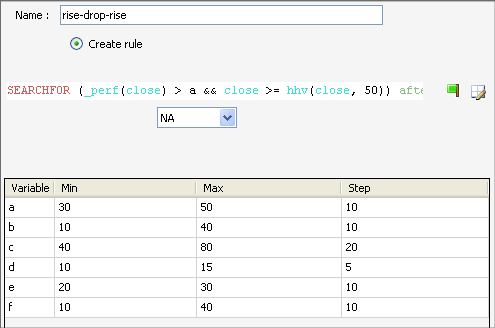 We have just created 576 rules, you can now back-test them. This is just an example of how powerful the advanced rules can be. The pattern we have just created appears to be non profitable.
|

|
|
|
|