

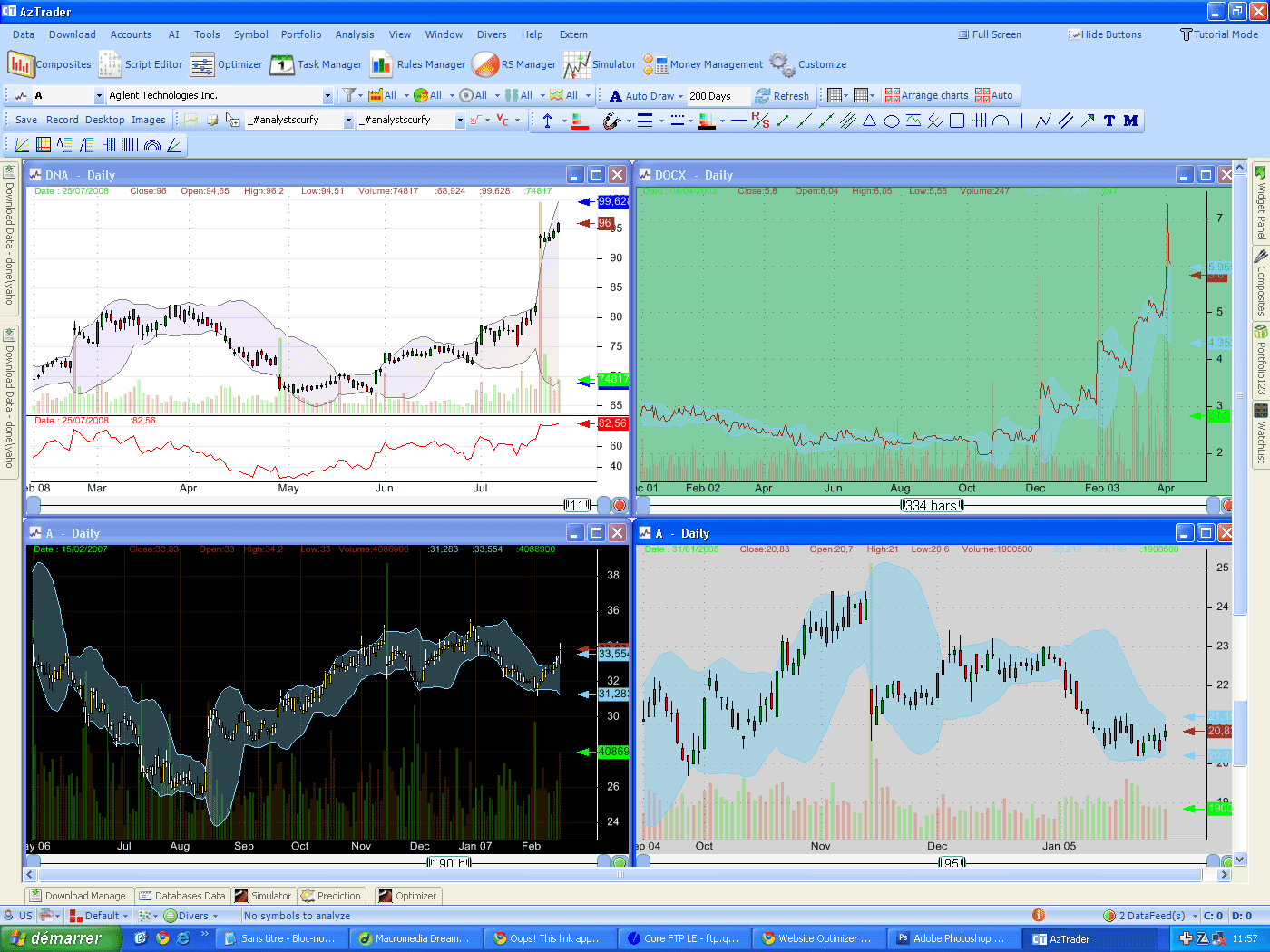
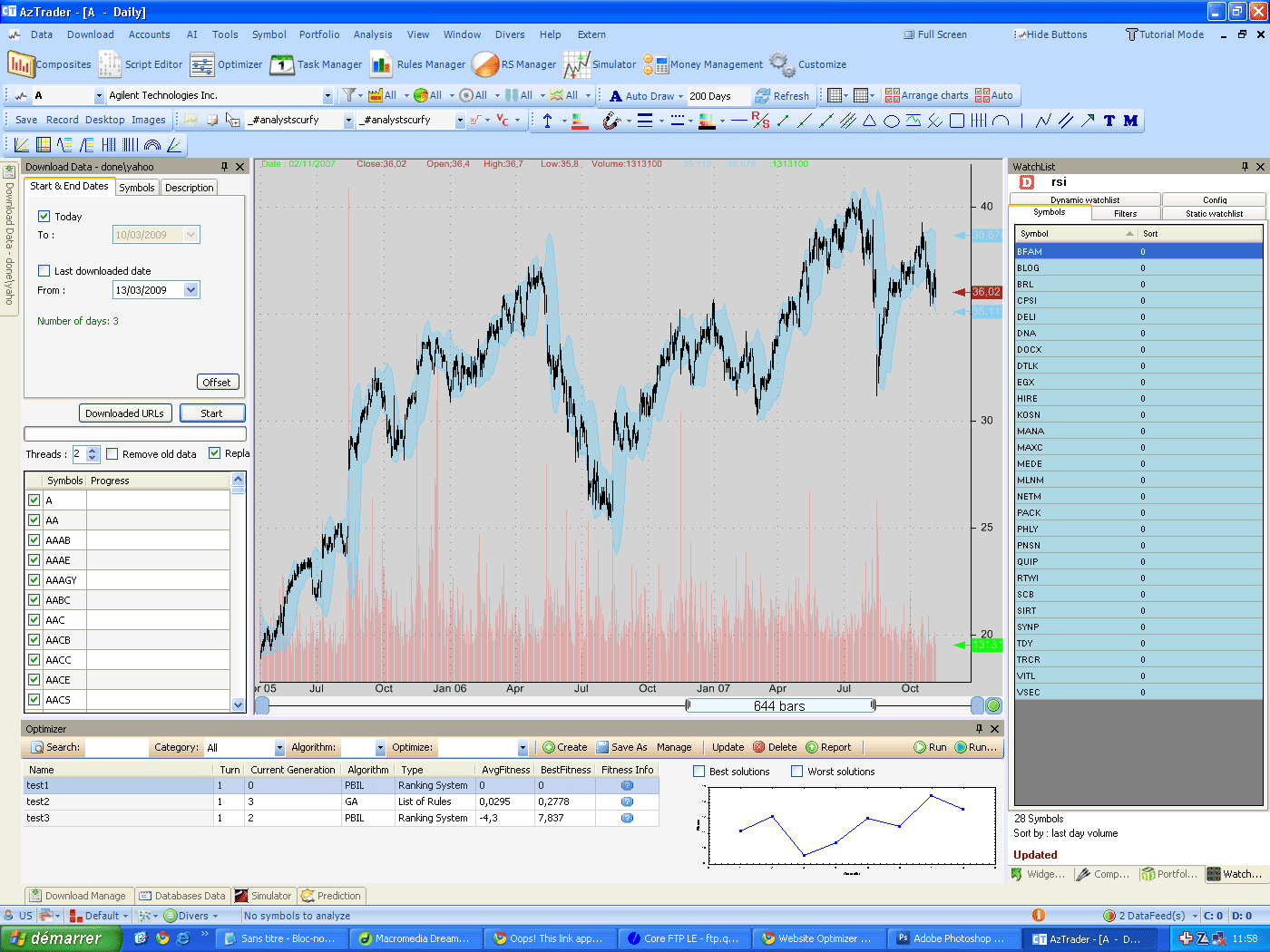
Composite Indicators Composite Indicators are indicators that use multiple securities data in their calculation. Such indicators show the general sentiment for a set or a group of securities. There are a lot of composite indicators available and their interpretation depends on the formula used in the calculation. Among the popular ones, we can cite the famous Advance-Declines line, the Arms index, the McClellan Summation Index... Apart from these popular composites, it is very difficult to find other composites data on the net. Hopefully, QuantShare comes with its own composite plug-in that let you create any kind of sentiment indicator very easily and within few seconds. In addition, the composites you create with QuandShare are self updated, which means that when you upload new quotes or any other kind of data, composites will look if these changes affect its data (if the symbol changes is referenced by composite, or if the new data is referenced by the composite formula...), and if it is the case, the composite re-calculate itself automatically. Your composite are always up-to-date, you don't have to worry about them. Create a composite Select 'Tools' then 'Composites'. In the 'Composites' form, click on 'Add'. The first step is to select the symbols that will be used in the calculation. You can also specify whether to include others composites in the calculation or not. NB: if the composite A refers B, and B refers A, then the calculation will not proceed because of mutual references. Once the symbols are selected, define your formula and the calculation function. This is the most important step; you can create almost any kind of composite by changing these two fields. For every symbol, the QuantShare will execute the formula and get the variable 'composite', then depending on the 'Calculation function', it will sum up, average, get the maximum... of the composite variable values for every trading bar. Example: Formula: composite = rsi(14); Date: 06/05/2009 Symbol A: 52 Symbol B: 48 Symbol C: 60 When using 'Average' as 'Calculation function', you will get a value of (52 + 48 + 60) / 3, for the composite at the date 06/05/2009. This composite will calculate the average rsi of a set of symbols. Filters There is also a very important feature in the composite plug-in that lets you reject symbols for a specific bar. You can create a filter by including the 'filter' variable in your formula. Example: composite = rsi(14); filter = volume > 1000; The above example instructs the composite plug-in to create an indicator that calculates the average rsi for a set of symbols and on bars where the symbol volume is higher than 1000. The number of symbols used to calculate the composite will be different for each bar. Conclusion For every composite created, a new symbol will be added; composite names start with '_'. As you may have guessed, composites can be used in creating trading rules, in ranking systems, prediction models...
|

|
|
|
|