

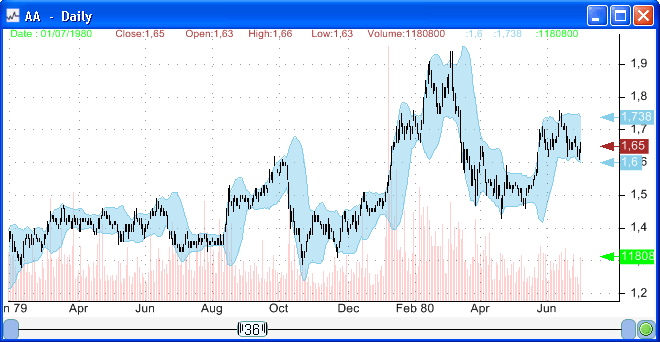
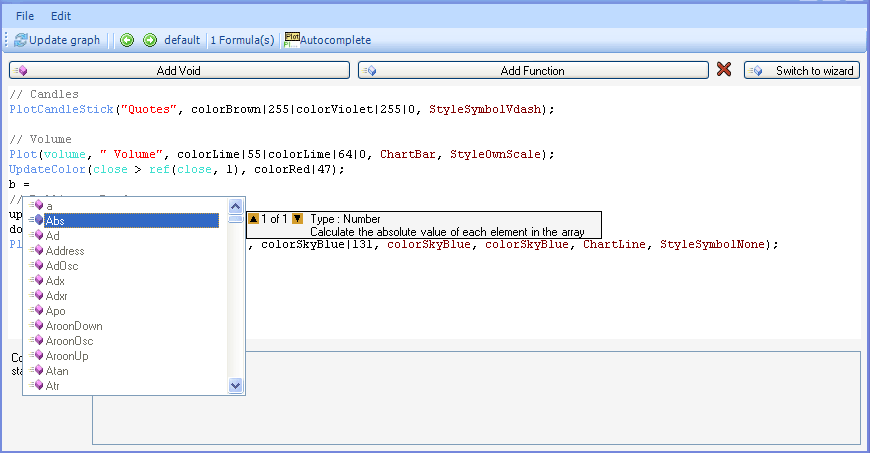
Generally, when we analyze or backtest trading rules or trading systems, we are looking for how stocks, futures or currencies have performed in terms of return over a past period. But analyzing trading rules is not limited to the return; in fact we can perform an analysis on any other metric. We can backtest trading rules, and look for the average value of a specific metric over a period of time after the signal is generated. Volatility One of these metrics could be the volatility. In this case, we are analyzing the volatility behavior after the trading rules generate signals. We can search, for example, for trading rules that are most likely to make the volatility of an asset rise. You may wonder how this could be helpful. In fact it could be helpful for different reasons. One of these reasons should be obvious to option trader who know how important the underlying instrument volatility is; and detecting patterns that could make these instruments volatility rise or fall can dramatically improve their trading system performance. Another possible use is the integration of these volatility trading rules into a trading system, and specifically into the money management system, we can for example adjust the number of shares to buy or short depending on the volatility forecast. Analyzing list of rules To analyze a list of rules in search of the one who may have an edge in predicting future volatility, you just need to add the appropriate output function. Open the 'Rules Manager', selects a list of rules and click on 'Analyze'. Select 'Outputs' in the left panel then click on 'Select outputs'. Select 'Custom output', click on 'Add', and then select the output and click on 'Edit'. The final step is to add the volatility prediction output formula. It may seem difficult at first, but with little practice and some documentation reading, you should easily understand how to construct even more advanced custom outputs. Here is one way to calculate the future volatility: SET _sd(perf(close, 1)) * Sqrt(365) WHERE _dis(0) >= 60 _dis(0): specify that we are using the bar at 'current bar + 60' as anchor or pivot. perf(close, 1): calculate the daily return of the asset. _sd: calculate the standard deviation of the array (perf(close, 1)), from the current bar to the anchor or pivot bar. We finally multiply the standard deviation by 'Sqrt(365)' to get the annualized volatility.
|

|
|
|
|