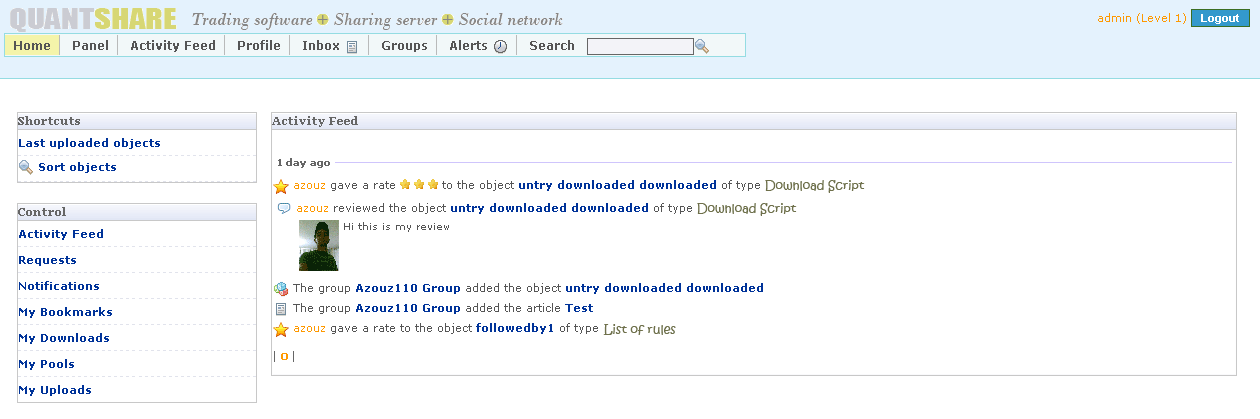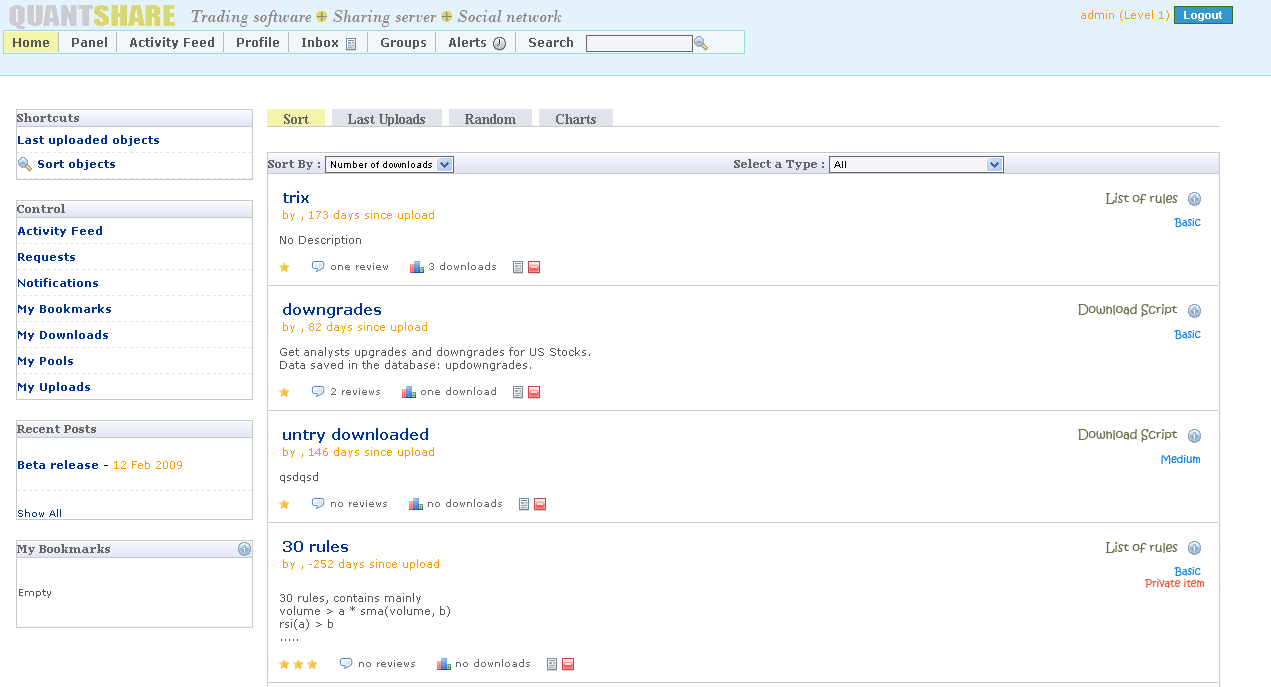


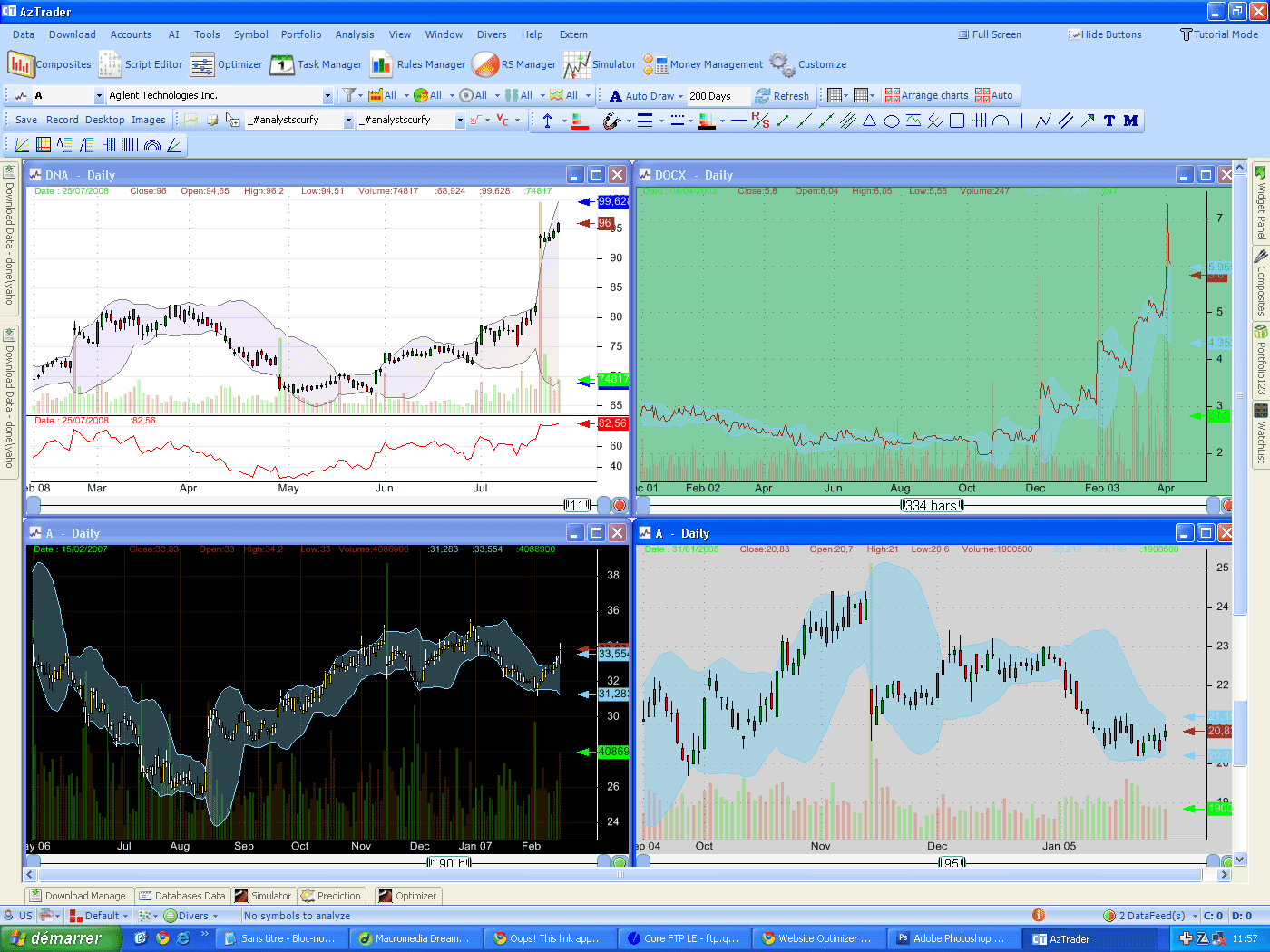
The market capitalization of a company represents the perceived value of that company by the market participants. It is simply the number of outstanding shares, where each share represents a part of the company, multiplied by the stock price. Although, there is no general agreement about the thresholds used to group stocks based on their market capitalization, investors agree to classify stocks as follow: Large-cap: Market capitalization higher than $10 billion Mid-cap: Mktcap between $2 billion and $10 billion Small-cap: Mktcap between $300 million and $2 billion Micro-cap: Mktcap less than $300 million. The market capitalization downloader which can be found here, (Stock Market Capitalization), downloads market cap data for all US Stock companies. The data is quickly loaded and saved into your local database. The downloader should be run regularly to always get the latest stock companies market capitalization data. Now, let us create a global US market capitalization indicator. Open the composites plug-in and create a new item. Select all symbols and set 'Sum' as calculation function, this will add up the values calculated in the 'composite' variable. This variable must be set to the stocks market capitalization data, so just set the following formula: 'composite = GetData("fund", "mktcap", LastData);'. Click twice on next, and then name your composite index. Wait until the calculation completes then select the composite you have just created inside the symbol selection combo box. You should collect market capitalization data before any points are displayed in the composite symbol chart. The composite symbol will appears empty if you haven't collected any market capitalization data. Besides, you should also download up-to-date quotes for you ticker symbols. Here are some other ideas on how to use this fundamental data: - Create trading rules. - Create screeners or watchlists and filter ticker symbols by their capitalization value. - Create others metrics or ratios based on this data. - Classify and analyze your backtest or simulation results based on the company market capitalization. - Reduce your portfolio or trading strategies volatility by discarding micro-cap and small-cap companies. - Create indexes or composites for a particular stock group (micro-cap, small-cap, mid-cap or large-cap).
|

|
|
|
|