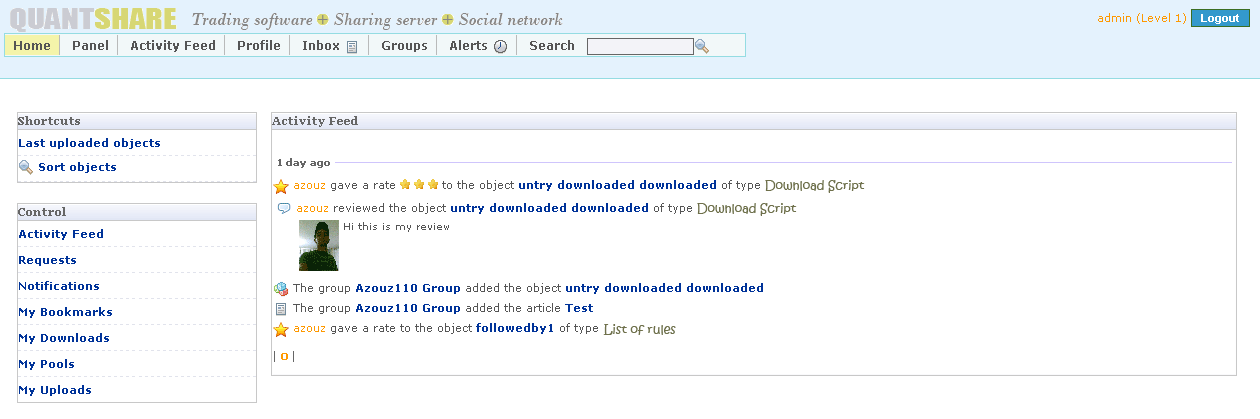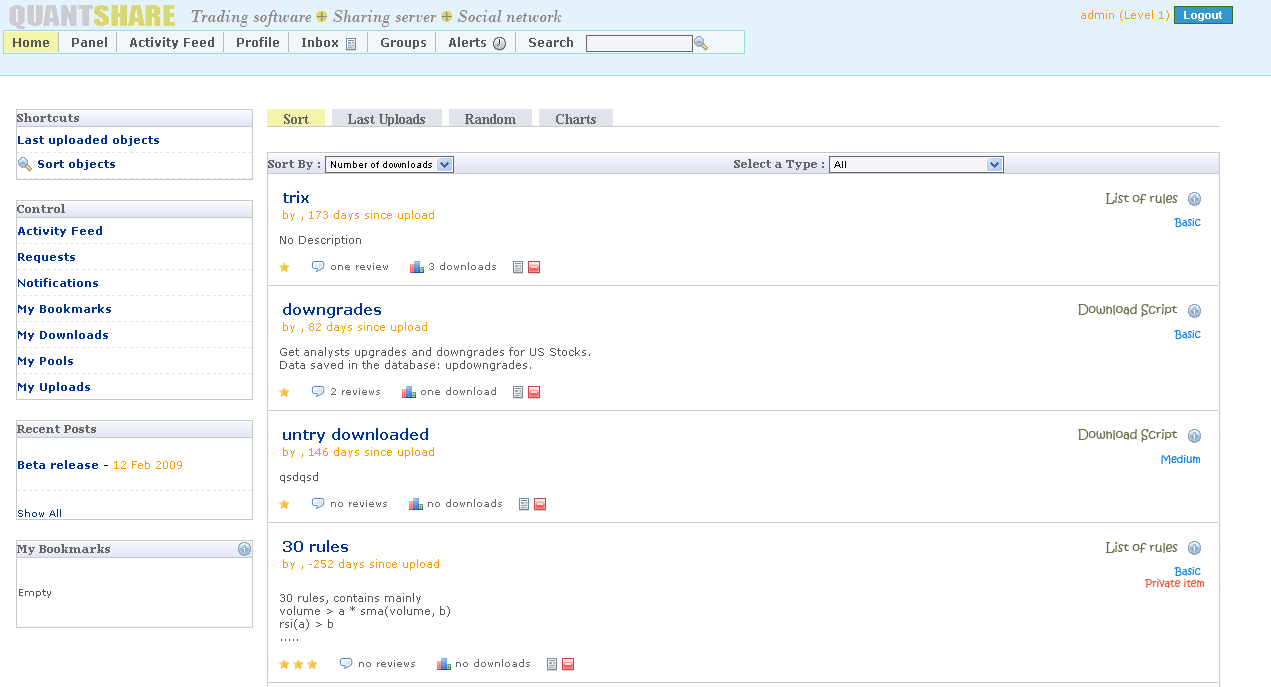

The principal role of module's scripts is to provide advanced traders the tools to create whatever they want. These scripts are used by different modules and plug-ins, and as I said, their main use is to extend to capabilities of the application. The rules analyzer for example has its own script that lets you create custom metrics to assess the analyzer results. Almost, every plug-in has its own script; they all must be written in JScript.Net or c#, two .Net programming languages. C# was added recently and it is currently set as the default programming language. What about beginner traders and those who don't know how to code? Let me start with this: the scripts in QuantShare are not mandatory. They surely give you more flexibility and control over your trading process, but they are certainly not critical to your trading success. The second important thing that I want to point out is that everyone can access and use scripts even those who don't know how to write them. How? Simply, by using the scripts that were shared by other QuantShare members. If you want to see what "Rules Metric" scripts are available, visit the search page of QuantShare and then select "Rules Metric" as the trading object type. You can then perform your search and download the scripts that interest you. Besides using them, you can also read them and learn how they were implemented. In this post, I will talk about an important feature introduced recently in QuantShare. This feature or addition allows scripts to communicate among each other simply using shared variables. A shared variable is an object (variable) that can be accessed by any script within the application. These variables stay alive until the application is closed. As an example, you can instruct the metric script of the rules analyzer to store the results within a shared variable and then later use the Main Script to create a report (text or html) that displays the results previously created by the metric scripts. Many problems could be solved using this way of communication between scripts. To access and create shared variables, there is a class available in all scripts. This class is called "Global" and it contains four methods. GetVariable: Get a shared variable value SetVariable: Assign an object to a shared variable ContainsVariable: Returns whether a shared variable exists RemoveVariable: Remove a shared variable Values passed to the "SetVariable" could be of any type, you could pass primitive variables like "double", "int", "string" or structs and classes like lists and dictionaries. The only thing you should take care of when creating scripts that use shared variables is to make sure there is no conflict between the variable names.
|

|
|
|
|