
- Fully customizable charts. - Custom time frames. - Multiple panes. - Ability to create complex graphs. - Drag and drop indicators between widget panels and panes. - Icons notification on the bottom of each chart, EX: let you known if there are missing quotes for the current symbol. - Create linked charts. - Arrange your charts with a simple button, you can arrange them automatically or specify the number of rows and columns. - Create and manage templates. - Create and manage layouts. - Create quickly a chart with a specific layout or template. - Multiple drawing tools. (Lines, Support and resistance lines, Trend Lines, Fibonacci..., Gann...) - Fully customizable drawing tools. - Ability to calculate and draw distance. (ex: distance in dollars or percentage between support line and the close price) - Auto-Draw tool will automatically plot trend lines, Gann square or any other items on your chart. - Drawing tools can be set to stick to close, high, low or open price. 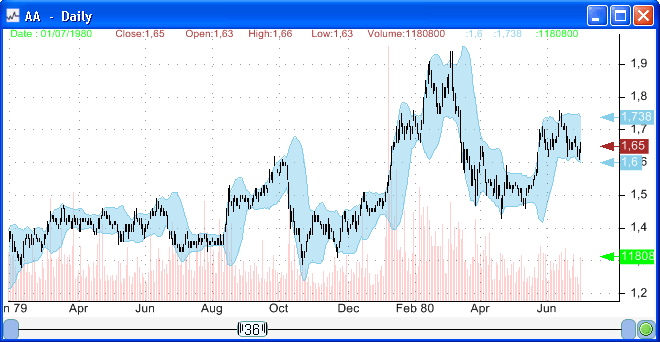
|

|
|
|
|




