Application Objects
We use the word 'object' or 'item' to point out:
· Trading systems · Watch-list · Composite indexes · List of rules · List of symbols · Simulator metrics · ...
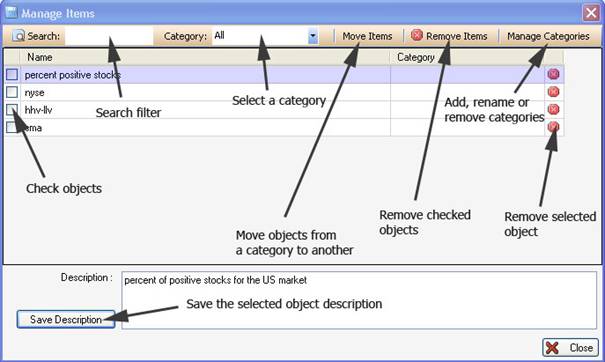
All these objects share some common controls. These controls are used to manage, save and load these objects.
Each
object is stored in a specific file.
The majority of the plug-ins have drag & drop features that let you drag objects and drop them on widget or bookmark panels.
Bookmark panel
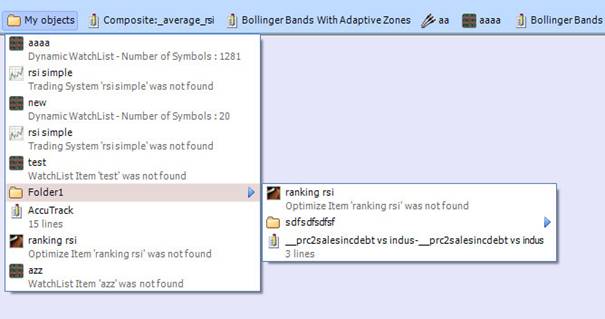
This panel hosts folders and objects (generally shortcuts of objects are used) Right
click on the bookmark panel to open a menu. Using this menu, you can create a new
folder, add an object or object shortcut, update a folder name... You can drag and drop objects within the bookmark panel to change their locations or to move them from a folder to another.
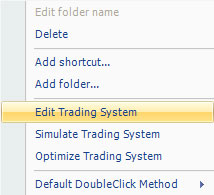
Right
click on any object to display a menu. The menu content is specific to each
object type.
|
|
|
|
|