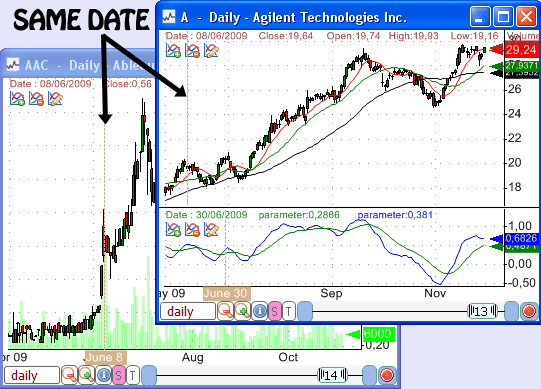
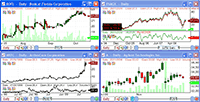
By synchronizing charts, I mean displaying the same date on several charts by simply clicking on one of these charts.
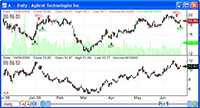
For example, when you click on a bar that corresponds to January 12, 2009 in chart 1, the other charts that are synchronized with chart 1 will display a line that references the same date (or the nearest one).
This way, you know exactly what happened to the different stocks on the same date.
Steps:
(Your charts must be linked to the same symbol index or time-frame index)
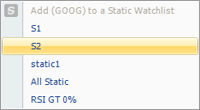
- In the bottom of every chart, click on "S" and select a link index
- Click on one of these charts to see the other charts move
When aligning or synchronizing stock charts, there is no difference between choosing a symbol index or/and time-frame index.
The only difference is that if you specify the same symbol index, a change in one chart symbol will instruct the trading software to assign the other charts with the same symbol.
If you specify the same time-frame index for a group of charts, then a change in one chart time-frame will instruct the trading software to assign that time-frame to the other charts.
Trading financial instruments, including foreign exchange on margin, carries a high level of risk and is not suitable for all investors. The high degree of leverage can work against you as well as for you. Before deciding to invest in financial instruments or foreign exchange you should carefully consider your investment objectives, level of experience, and risk appetite. The possibility exists that you could sustain a loss of some or all of your initial investment and therefore you should not invest money that you cannot afford to lose. You should be aware of all the risks associated with trading and seek advice from an independent financial advisor if you have any doubts.